
Product / QFlow Studio
From circuit to result.
Read the sequence
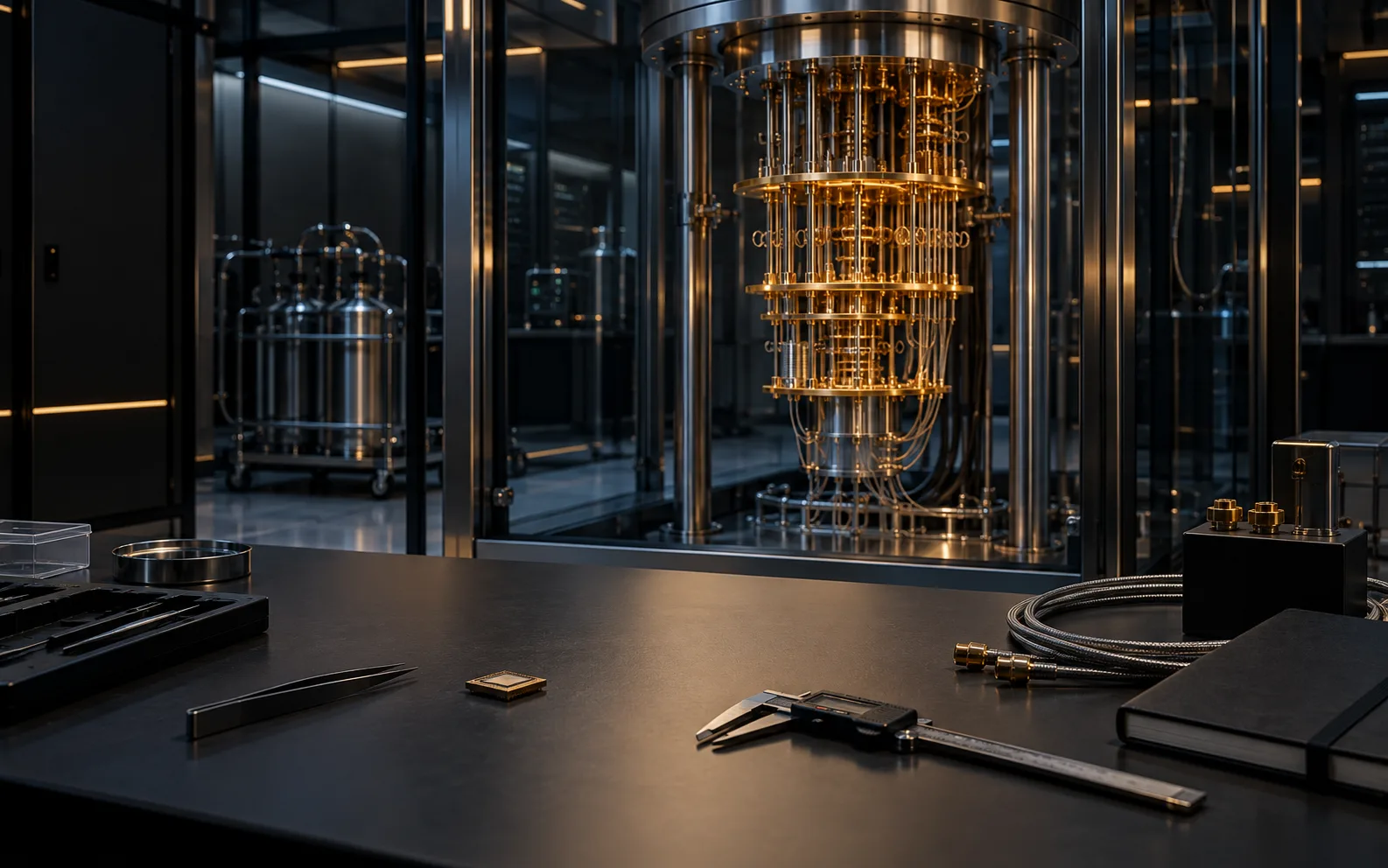
- Conceptual laboratory study. Conceptual quantum laboratory bench with a cryostat. Keep the question, generated source and run record connected.
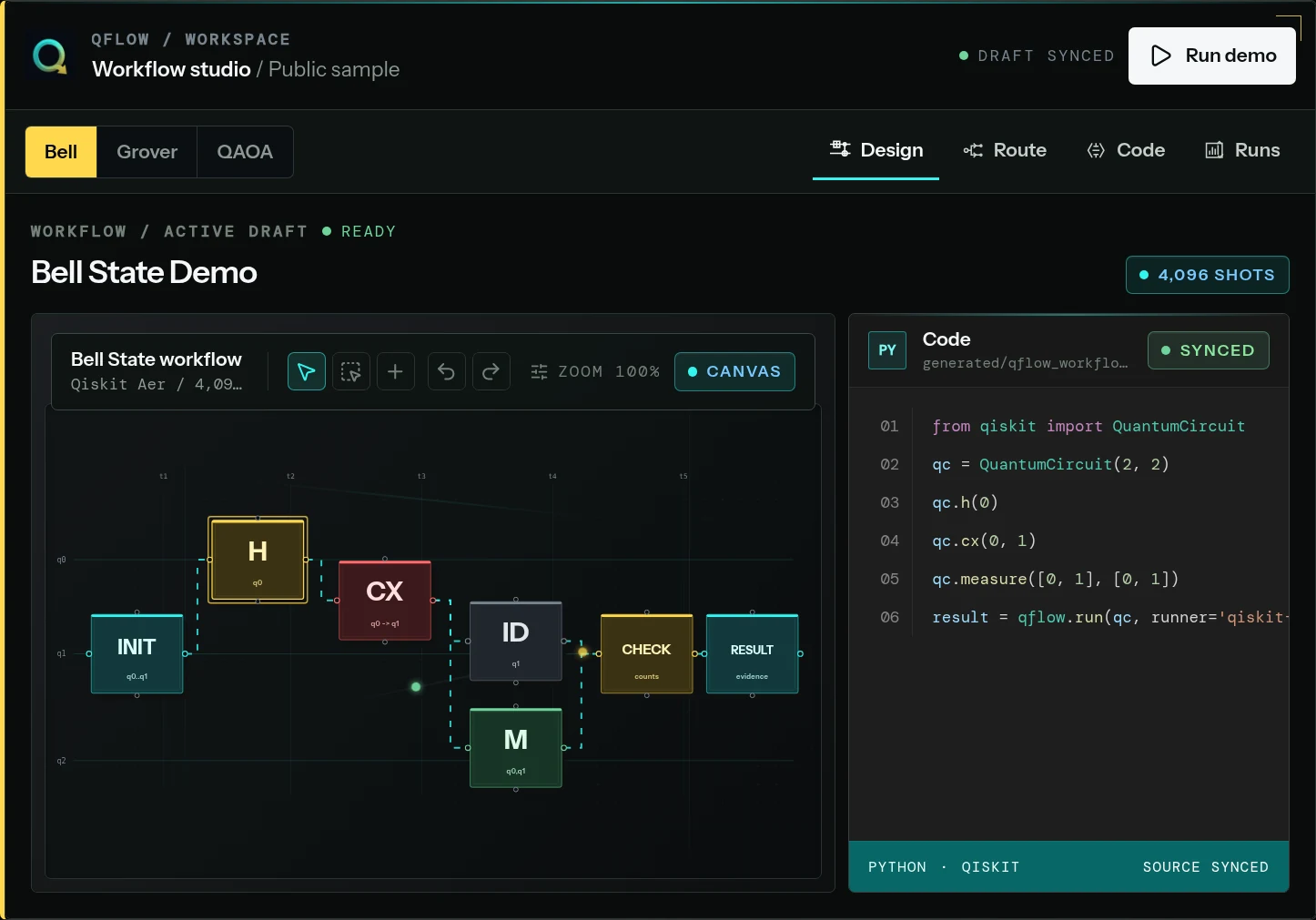
- Public product capture. The Bell State sample connects visual design and generated source.
- Public product capture · route view. The Bell State public sample keeps route context beside the circuit and generated code.
- Editorial workflow map. Editorial route: Design, Route, Code and Run, then Evidence.
- Current boundary. Provider routes need their own status and access check; one result does not establish advantage.
Start with a research question, build a visual circuit and inspect the generated source. Keep the selected run route and history beside the output so another person can see how the result was produced.
01 / The work
Keep the experiment in one working context.
A circuit alone cannot explain an experiment. The question, generated source, selected environment, run settings and output need to remain connected if the result is to be reviewed.
The public Bell State sample lets a reader move from the canvas to generated code and run history. A local simulator record must stay distinct from a credentialed provider submission.
Evaluation brief
What a useful experiment review needs.
- Bring
- Start with a research question, a circuit and a comparison baseline. Say what result would make another run worth the time and access it requires.
- Inspect
- Compare the visual gates with generated Qiskit, Cirq or OpenQASM. Keep the selected route, settings and run history beside counts and exports.
- Decide
- Check route status and credentials before provider submission. Reconcile an uncertain job before retrying, and keep any performance conclusion tied to the baseline.
02 / How the work moves
From a circuit to its run record.
Follow the design, route choice and output as one reviewable sequence. A simulator result and a provider result need different access checks and interpretation.
Frame the work
Write down the research question and comparison you need before choosing a circuit or execution environment.
Build and inspect
Use the visual canvas and generated Qiskit, Cirq or OpenQASM views to inspect the design and source together.
Choose a route
Check whether the run uses local simulation or a credentialed provider, including the route's current status and account requirements.
Run and review
Keep the selected route, settings, output and history connected. Use a defined baseline before drawing a performance conclusion.
03 / Public record
A real circuit editor, with its route made clear.
The Bell State Starter capture is a real public circuit-editor example. Inspect its design, generated source and run history as separate parts of one experiment. A local simulation and a provider submission are different records; provider access and route status must be checked before planning hardware work.
Review route statusEvidence views04 records
Public product capture
Start with the circuit and its question.
The public Bell State sample shows the visual circuit in its working context. It is a sample experiment, not a claim of quantum advantage.
Record 01 / 04
04 / Current boundary
Know which environment produced the output.
- Current workflow
- Visual circuit design, generated Qiskit/Cirq/OpenQASM views, local simulation and run history are in the current public product record.
- Conditional access
- Credentialed provider routes have their own status, account requirements and execution limits.
- Evaluation boundary
- A result alone does not establish a quantum advantage. Comparisons need a defined problem, suitable baseline and method.
05 / Before you begin
Questions worth answering.
Is QFlow Studio a quantum computer?
No. It is software for organising quantum workflows. A run uses the selected simulation or provider route.
Does every provider route work the same way?
No. Access, credentials and route status depend on the provider and environment.
What if a submission status is uncertain?
Do not assume a second submission is safe. Reconcile the job record with the selected provider before repeating a resource-consuming action.
QFlow Studio / Guides
Follow the workflow in depth.
These public guides explain the working method and its limits. They are reading paths, not evidence that every provider route is available.
06 / Next step
Start with one experiment.
Bring a circuit, a research question or a learning workflow. We can discuss the right starting point and the result you need to review.
Discuss QFlow Studio